Disclosure: some links on best60.com may be affiliate links. If you buy through them, we may earn a commission at no extra cost to you.
A CRM (customer relationship management) tool keeps your leads, customers and follow-ups in one place. For a small business, the right CRM is usually the one your team will actually open every day. This guide walks through how to pick one without overthinking it.
Start with the problem, not the feature list
Before you compare tools, write down what is going wrong today. Common answers:
- Leads arrive by phone, email, text and social messages, and some get lost.
- Follow-ups depend on someone remembering.
- You can't easily see which deals are close to closing.
- Customer details live in a spreadsheet, a notebook or someone's head.
If two or three of these sound familiar, a simple CRM will help. If you only need a shared address book, you may not need a CRM yet.
The features that matter most for small teams
Most CRMs list dozens of features. For a small business, these are the ones that make a daily difference:
- Contact history. Every call, email and note about a customer on one timeline.
- A visual sales pipeline. A board where you drag deals from "new lead" to "won".
- Reminders and tasks. So follow-ups happen even on busy days.
- Email tools. Sending email from the CRM, and ideally seeing when it was opened.
- Easy import. Moving contacts in from a spreadsheet (CSV) without retyping.
- Works on any device. A cloud CRM you can open on a laptop or phone.
Nice extras include automated follow-ups, an AI assistant that drafts emails or summarizes a contact, and simple reports. Advanced features like complex territory management or custom code matter mostly for larger sales teams.
Understand how CRM pricing works
CRM pricing usually follows one of two models:
- Per user. You pay for each person who logs in. This can be cheap for one person and expensive as you grow. Some vendors also keep key features on higher tiers.
- Flat price. One price for the account, with all features included.
When you compare prices, check three things: what the plan you'd actually need costs, whether features you care about are locked behind upgrades, and whether you need a long contract. Many tools offer discounts for paying yearly.
Example only: if a tool costs $20 per user per month and you have 4 people, that's $80 a month, before any add-ons. Always do this math with the vendor's current prices.
Free, simple or full-featured?
There are roughly three groups of CRMs:
- Free or freemium CRMs such as HubSpot CRM and Bigin by Zoho. Good for trying a CRM with no cost, but check what's limited.
- Simple small-business CRMs such as FoxyCRM, Less Annoying CRM and Capsule CRM. Built to be learned quickly.
- Large platforms such as Salesforce Sales Cloud and Microsoft Dynamics 365 Sales. Very flexible, but usually need more setup.
Sales-focused tools like Pipedrive sit between the simple and the large platforms.
Industry-specific CRMs
Some businesses do better with a tool built around their work. For example, home service businesses often look at job-management tools with built-in client records, and real estate agents often use real-estate CRMs. A general CRM also works well across industries, since every business has leads to track and follow up with. Browse our CRM Software category to see both kinds.
Questions to ask before you sign up
- How long does setup take, and can I import my contacts myself?
- Is there a contract, or can I cancel anytime?
- What happens to my data if I leave? Can I export it?
- Which features are included in the plan I'd actually use?
- Does it work on my phone?
- Is there support if I get stuck?
A simple way to decide
- List your top three problems.
- Pick two or three CRMs that solve them.
- Import a small set of real contacts into each.
- Use each for a few days with real follow-ups.
- Keep the one you found yourself opening without being forced to.
The best CRM is the one that becomes a habit.
Where FoxyCRM fits
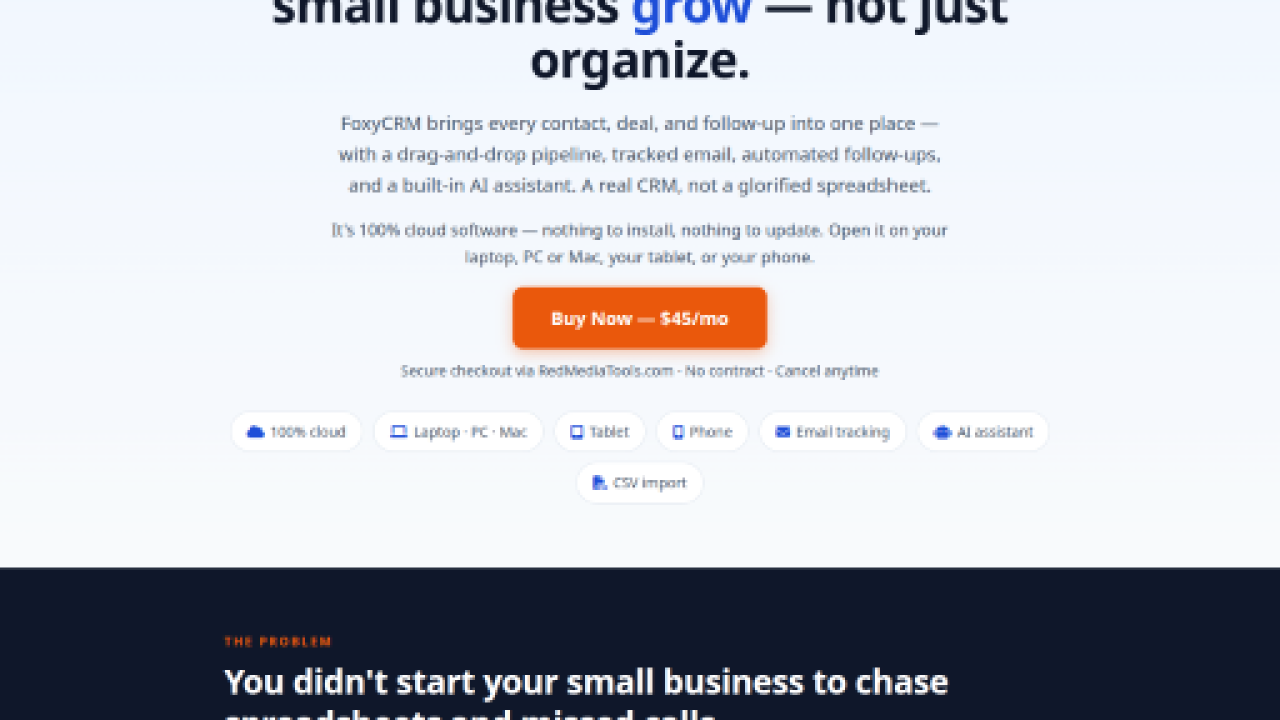
FoxyCRM is a simple cloud CRM for small businesses. It includes a drag-and-drop pipeline, email open tracking, automated follow-ups, reminders, tasks and calendar, CSV import, analytics and an AI assistant that drafts emails and summarizes contacts. Plans start at $35 per month on annual billing, with no contract and no setup fees, and setup takes under three minutes.
Visit FoxyCRM.com